BinaryExplorer beta
A WinUI 3 desktop app for inspecting Windows binaries (.exe / .dll / .sys / .winmd / .msi) without running them — language detection, signatures, hashes, imports, capabilities, ETW providers, strings/IOCs, packing, resources, disassembly, decompilation, and embedded files.



Install
# Download the latest MSI or MSIX from Releases (x64 and ARM64):
# https://github.com/guscatalano/BinaryExplorer/releases
#
# MSI  — self-contained installer, no .NET runtime required
# MSIX — extract the zip and run Install.ps1 (installs the self-signed cert + app)
Source
What it does
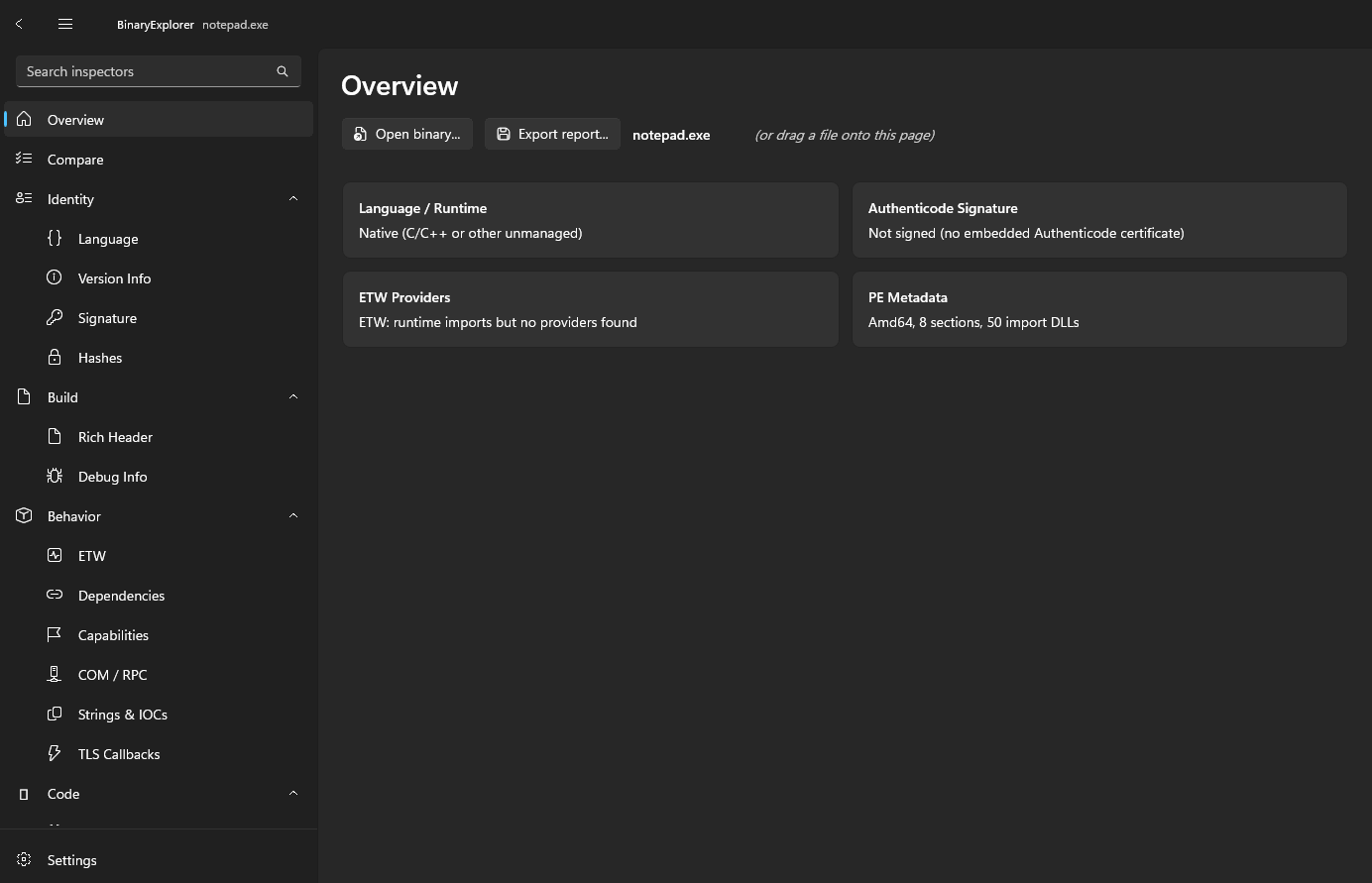
Open a binary once on the Overview page (or drag-and-drop) and every page inspects it:
- Identity — language/runtime detection, version info, Authenticode signature, and hashes (MD5 / SHA / imphash).
- Structure — imports, capabilities, ETW providers, PE metadata, Rich header, debug info, resources, and packing detection.
- Code — disassembly and decompilation.
- Strings & IOCs, embedded files, and a Compare view that diffs two binaries side by side.
- MCP server — an optional local server so AI clients can drive the same inspectors.
- Export a full Markdown or JSON report.
It never executes the binary. See the security notes for the optional VirusTotal lookup and the MCP server.